VMware SRM/IBM DS8000 SRA and Copy Services Manager for Replication Coexistence
If the environment mandates that you use VMware SRM with Copy Services Manager (CSM), set
preconfiguredEnv to True in the SRA configuration file,
sra.settings.
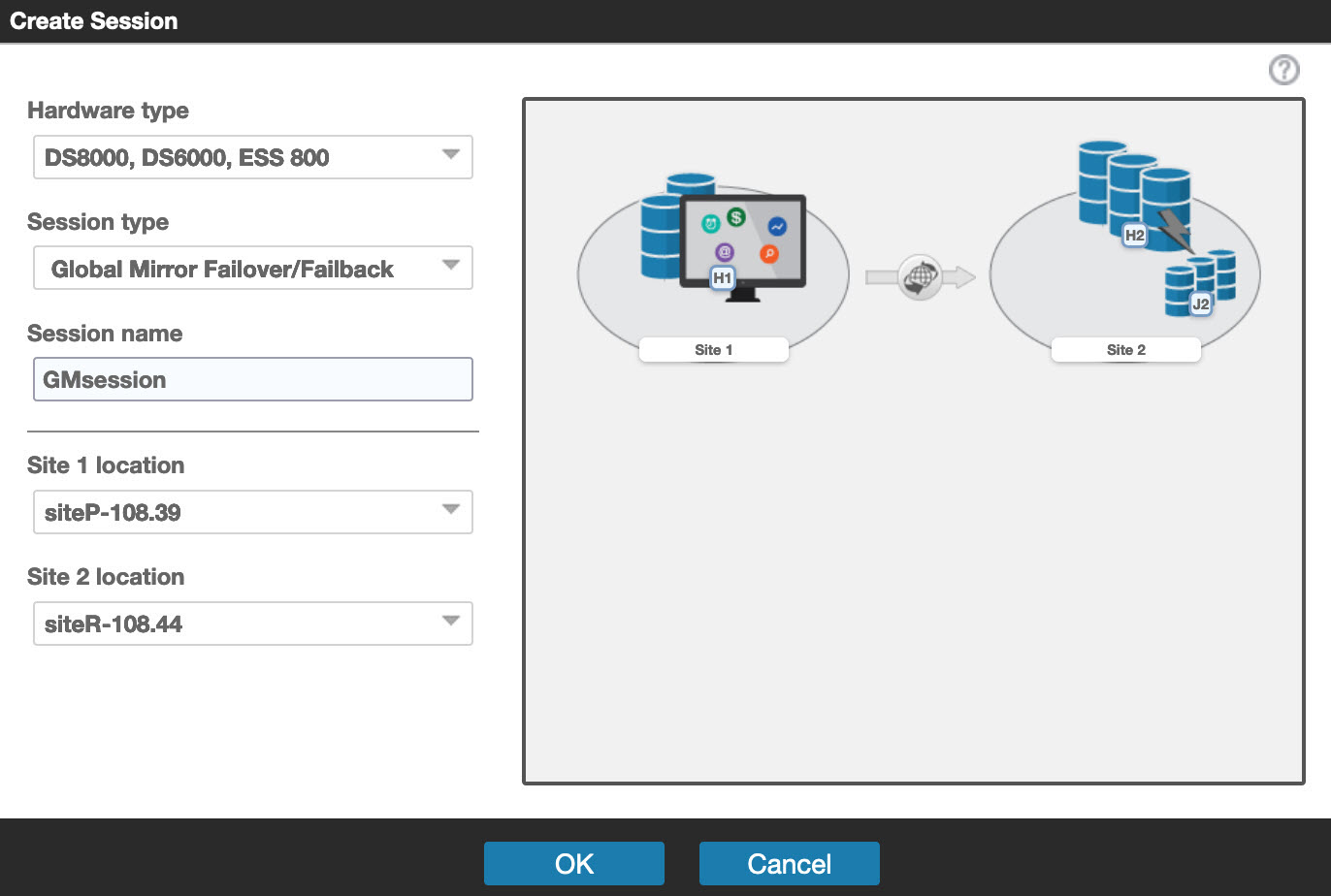
When initiated from SRM, the test failover operation (or practice test) works independently of CSM. Therefore, SRA does not try to detect an existing CSM installation in the environment. The test failover task on SRM and practice tests on CSM must be scheduled and run at different times if both software works on the same Global Mirror session. If the environment is set up such that CSM and SRM work on different Global Mirror sessions, then the restriction does not apply.
For a real failover (recovery), if CSM and SRM must co-exist and work on the same Global Mirror session, then CSM recovery must be initiated first. After the user confirms the successful recovery of volumes by CSM, the SRM failover can be initiated.
When TPCR is set to True, SRA will assume target volumes
will be recovered by CSM; CSM operation must be done prior to corresponding SRM operation, otherwise
Test/Recovery/Reprotect on SRM will fail.
| Note:
|