How To
Summary
Guide for enrolling iOS devices in MaaS360 over-the-air using Safari. These instructions are the same for standard devices, as well as those that are "Supervised" using Apple Configurator 2.
Environment
Any activated iOS device that is not currently enrolled in any MDM solution.
Steps
To begin, open Safari on the iOS device to be enrolled, and navigate to the enrollment URL provided by your admin. It will be in the format of m.dm/*corporateID* or m.dm/*corporateID*/########## depending on the organizational settings.
Note: Must use Safari for this process. 3rd party browsers will not be able to complete enrollment.

Enter the Username. Optional: Select ownership of the device (whether or not this is presented as an option depends on organizational settings). Select Continue.

Enter password/passcode. Select Continue.


You must agree to the MaaS360 terms and conditions, as well as you organizations T&Cs (optional) in order to continue enrollment. Select Continue.

The device will now go through the process of downloading the enrollment profile. Tap through the screens until the download is complete.


Navigate to the device Settings app and look for the Profile Downloaded option on the top left.

Install the MDM profile (this will require a few steps of user interaction to complete).


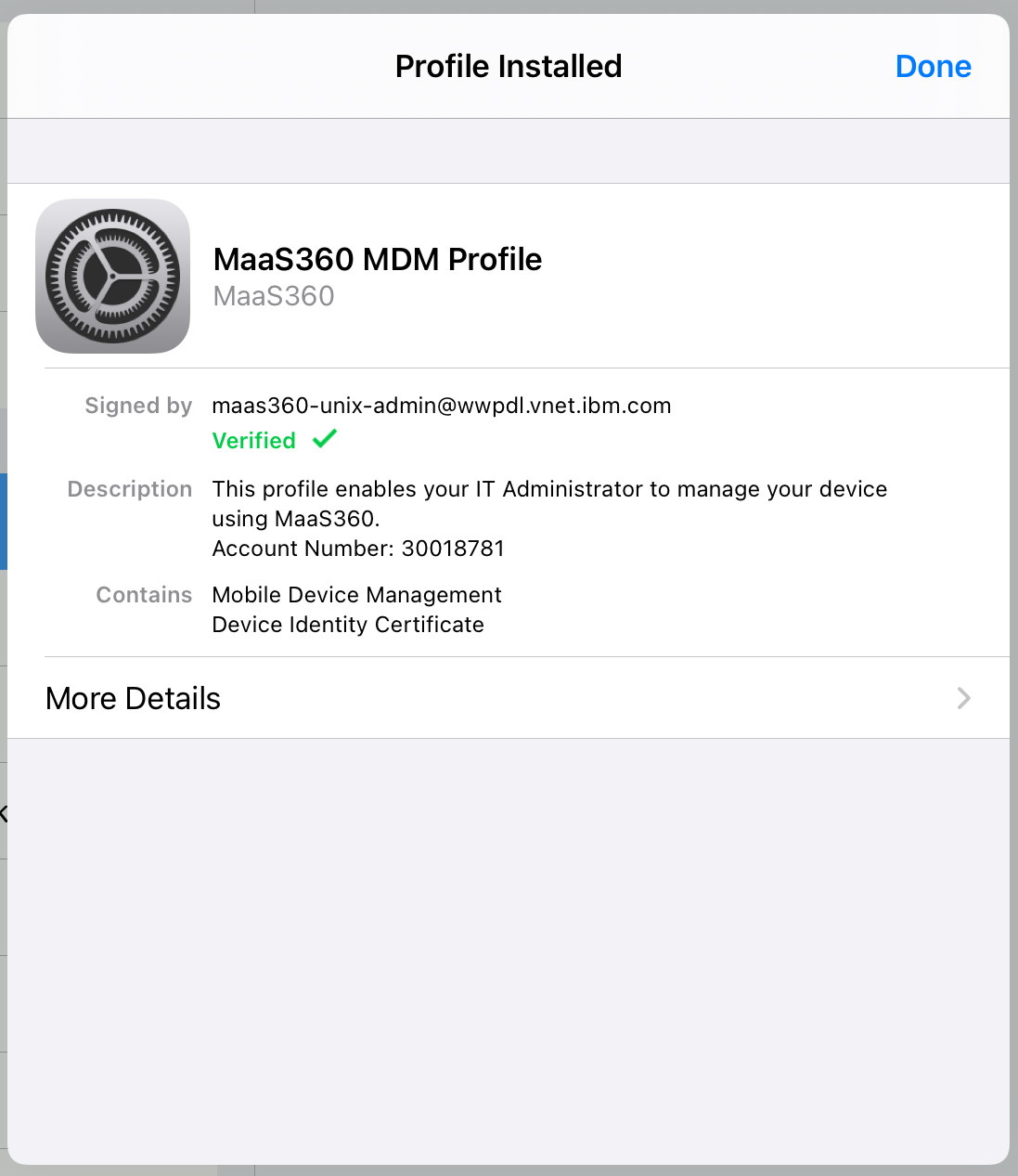
Once the MDM Profile is installed, it will be visible in the settings for review at any time.
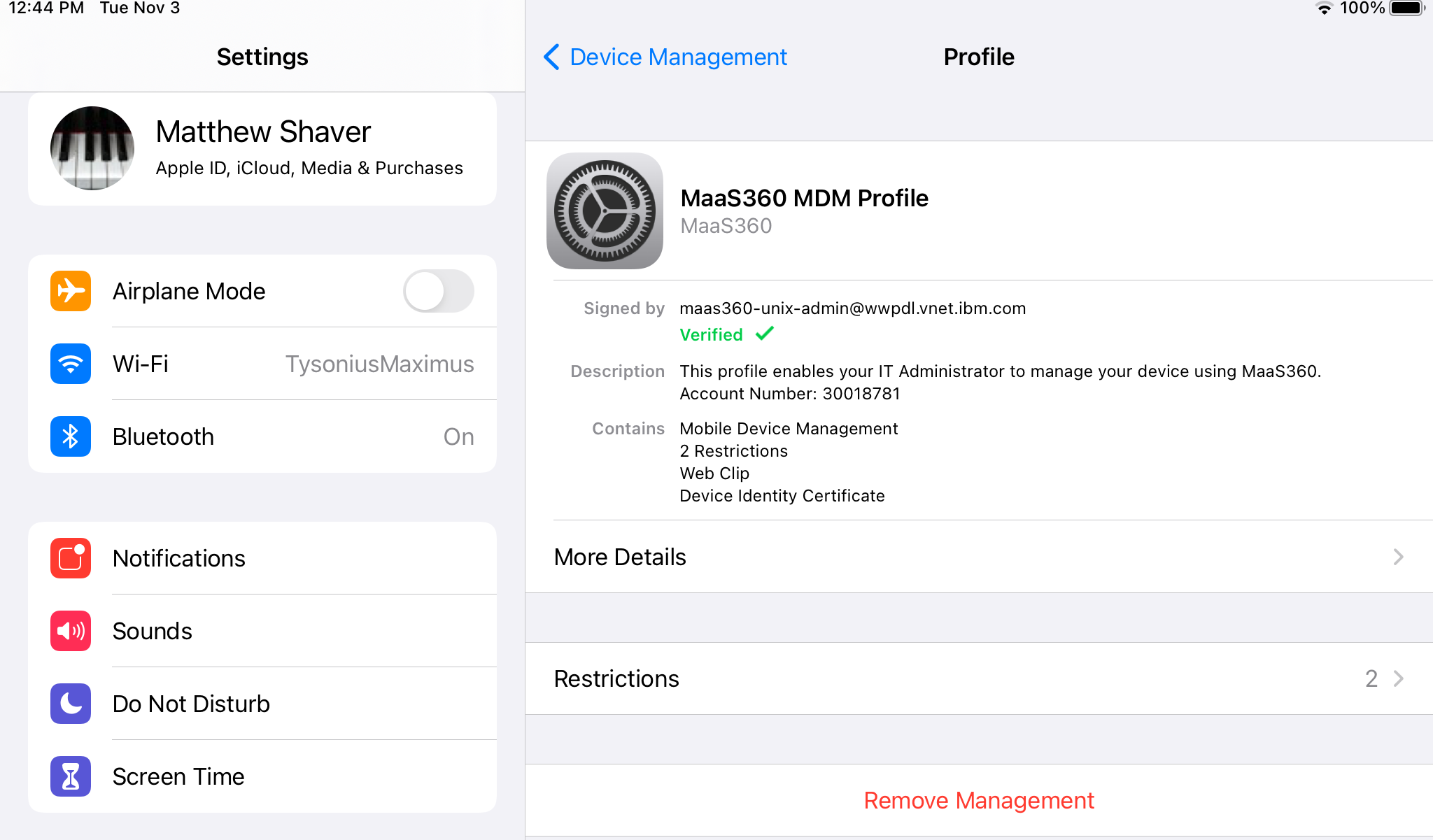
You may optionally return to Safari to ensure that there is a success message, but this step is not required as long as the MDM Profile is visible in the settings.

Enrollment of the iOS device is complete! If there are company distributed apps, the will begin installing shortly after completion.
Document Location
Worldwide
[{"Line of Business":{"code":"LOB24","label":"Security Software"},"Business Unit":{"code":"BU059","label":"IBM Software w\/o TPS"},"Product":{"code":"SSYSXX","label":"IBM MaaS360"},"ARM Category":[{"code":"a8m0z000000070xAAA","label":"ENROLLMENTS"}],"ARM Case Number":"","Platform":[{"code":"PF014","label":"iOS"}],"Version":"All Version(s)"}]
Was this topic helpful?
Document Information
Modified date:
03 November 2020
UID
ibm16359099