News
Abstract
Starting Nov.1, 2022, you might be challenged with a one-time MFA (Multi-Factor Authentication) request using your Blueworks Live email address. The MFA will only get triggered if you are logging in to Blueworks Live with IBMid. SSO (federated) and Blueworks Live ID users will not be affected.
Content
Please note: the following users will not be affected:
- Federated Users: If you are logging in to Blueworks Live using any type of SSO, including IBMid Federation, MFA will not be enabled for your account and users should not receive any authentication requests from IBM.
- Blueworks Live ID: If you are logging in to Blueworks Live using a Blueworks Live ID and Password, MFA will not be enabled for your account and users should not receive any authentication requests from IBM.
For users logging in to Blueworks Live using an IBMid, the MFA request will be sent to your email by default.
Step 1: Log in to Blueworks Live

Step 2: Redirected to IBMid for login
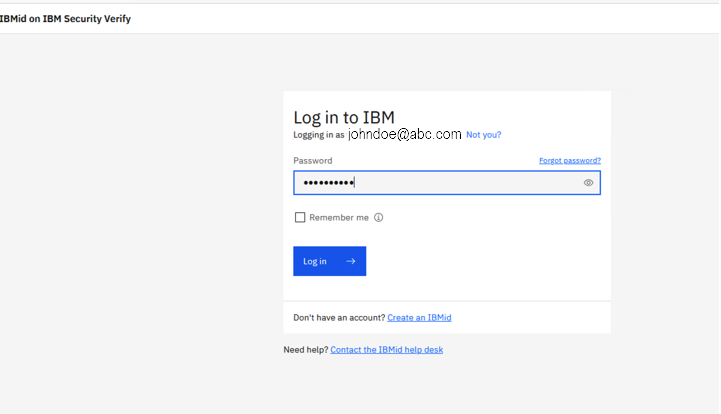
Step 3: If this is your first time logging in to Blueworks Live from this device or after trial signup, an MFA code will be sent to your email.
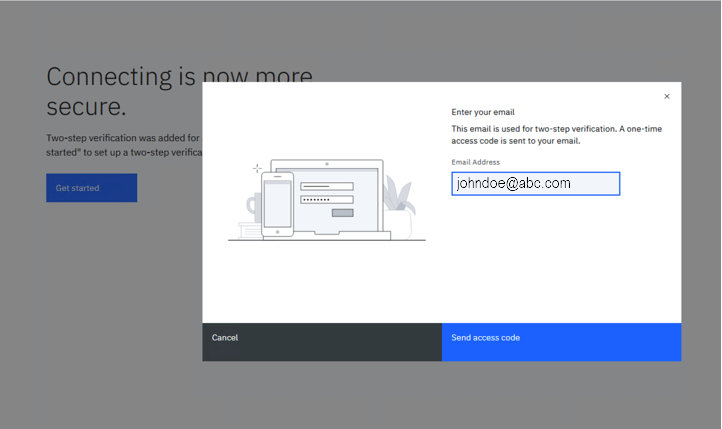
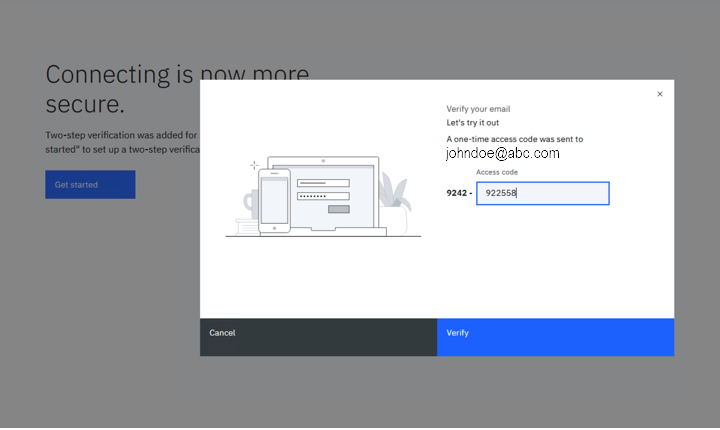
Step 4: After successful MFA authentication, you will be redirected to the Blueworks Live account home screen.
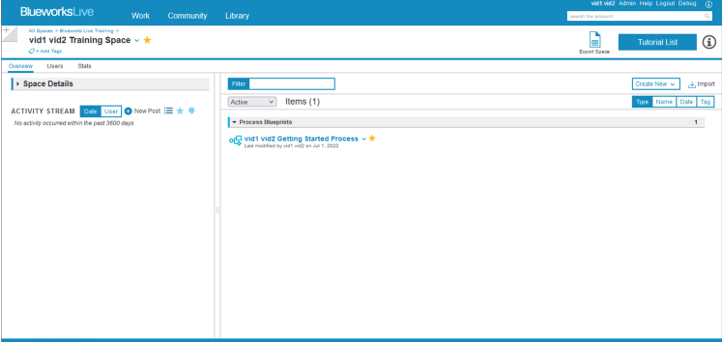
This will be a one time MFA request that will only be repeated if IBM detects a change with your device or network.
You can also register to use an authenticator application on your smartphone or tablet, by editing the TOTP Authenticator application in your IBMid Profile.
[{"Type":"MASTER","Line of Business":{"code":"LOB45","label":"Automation"},"Business Unit":{"code":"BU059","label":"IBM Software w\/o TPS"},"Product":{"code":"SS2MKC","label":"IBM Blueworks Live"},"ARM Category":[{"code":"a8m0z0000001jB2AAI","label":"Login Issues-\u003EIBMid"}],"Platform":[{"code":"PF025","label":"Platform Independent"}],"Version":"All Versions"}]
Was this topic helpful?
Document Information
Modified date:
21 October 2022
UID
ibm16831341