Choosing an EP adapter set resource
You choose an EP adapter set resource for an event binding in a CICS® bundle project.
About this task
You can choose an EP adapter set resource for an event binding by using the Adapter tab of the CICS event binding editor.
In
some situations, you might want to choose the resource from a list
of EP adapter set names, for example:
- The EPADAPTERSET resource is currently defined as a separate XML file in the workspace.
- The EPADAPTERSET resource is currently installed in a connected CICS region or CICSPlex®.
Procedure
- Choose an EP adapter set.
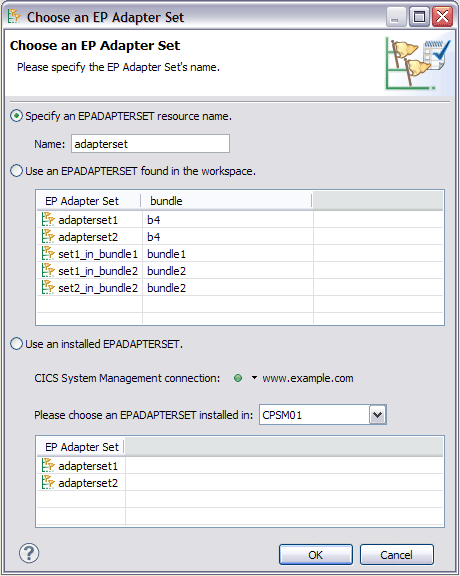
You can use the following options to specify an EPADAPTERSET name:
- Type the EP adapter set name in the Name field.
- Select an EP adapter set from a list found in the workspace.
- Select an EP adapter set from a list found in a connected CICS region or CICSplex. If you are not connected to CICS at the time, you can connect by clicking Connection.