Managing company IDs
Create, view and modify the type of identification used for companies with reference to the KYC process. Typically these are used to uniquely identify the company. Sample identification types for individuals could be registration number, TIN, CIN, and so on.
Procedure
To create, view, or modify company IDs from the Master Management page
- To create a company ID, click in the left navigation pane. The Create Company ID Type view is
displayed. Complete the following information and click CREATE.
 Where:
 - To view a list of existing company IDs in the system, click in the left navigation pane. The View Company ID Type view is
displayed.

To view details about a specific company ID, click VIEW next to the required company ID.

- To modify the details of an existing company ID, click in the left navigation pane. The Modify Company ID Type view is
displayed.
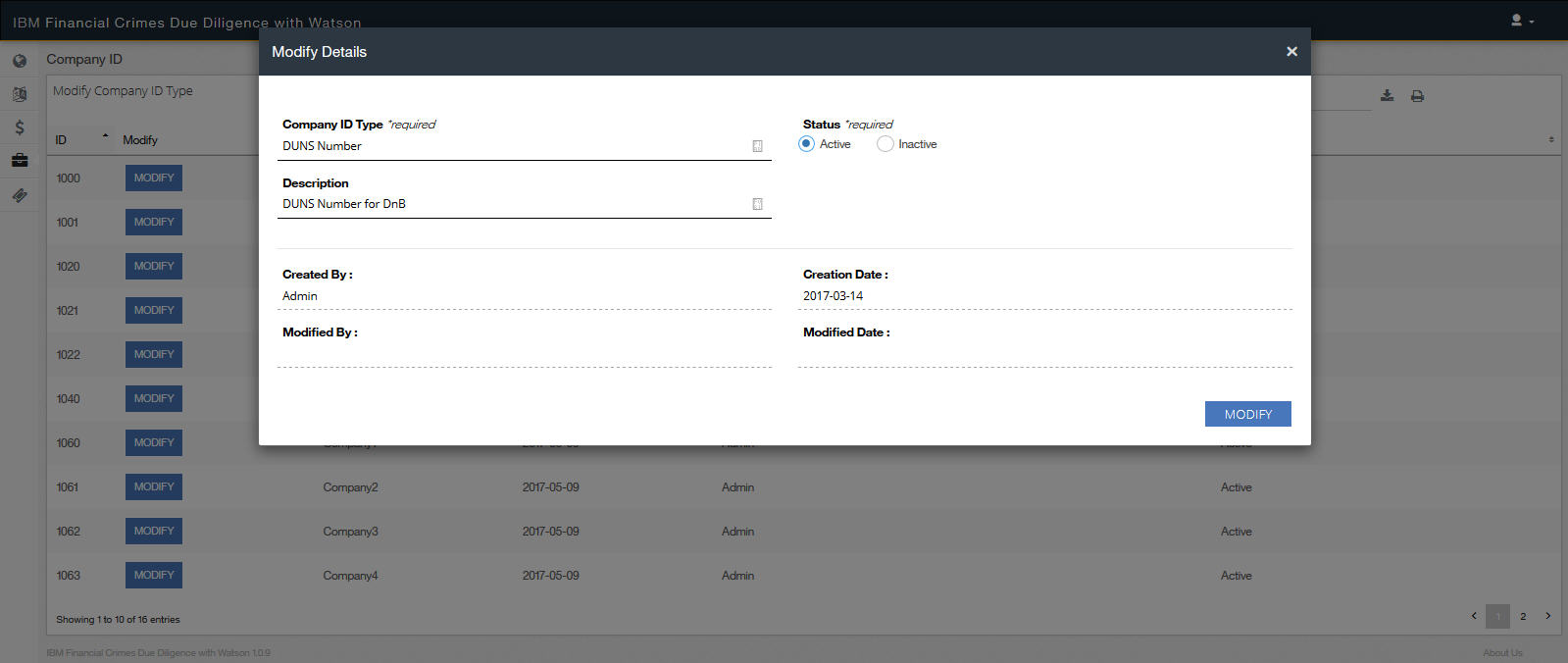
To modify a particular company ID, click MODIFY next to the required company ID. Update the information and then click MODIFY to save your changes.
